Gemini Tasks Is Now Free in India: What It Can Do (and What’s Still US-Only)
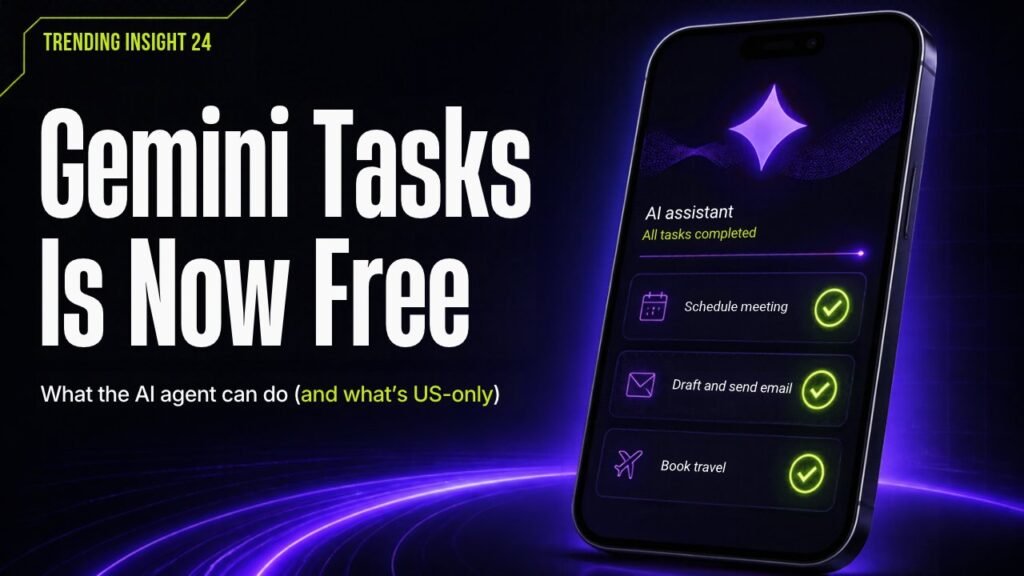
Gemini Tasks is now free in India. On 17 November 2026, Google announced that Tasks, the agent mode inside the Gemini app, is rolling out at no cost to users in India, the US, Canada, Australia, Japan and South Korea. Instead of just answering questions, Gemini can now work through multi-step jobs in the background for you.
Table of Contents
There’s a catch Indian users should know about: the headline features you may have seen in videos, like Gemini phoning a business or buying something with Google Pay, start in the US only. Here’s what Gemini Tasks can actually do for you in India today, how to switch it on, and what to watch out for.
What is Gemini Tasks?
Gemini Tasks is Google’s agent mode for the Gemini app. You describe a job in plain language, and Gemini plans the steps and carries them out, rather than replying with a single answer. It started life as Gemini Spark, a paid beta launched in May 2026, which reached Indian Google AI Pro and Ultra subscribers in July. Google renamed it Tasks in October and has now made it free.
Tasks runs on Gemini 4 Hydrogen, the fastest and lowest-cost model in Google’s new Gemini 4 family.
Gemini Tasks in India: what works and what doesn’t
| Feature | India | Notes |
|---|---|---|
| Task mode in the Gemini app | Yes, free | Rolling out gradually |
| Sorting emails, calendars, research and travel planning | Yes | Works with your connected Google apps |
| Checking bills for errors | Yes | Google lists utility bill checks as an example task |
| Calling businesses for you | Not yet | US first |
| Buying products with Google Pay | Not yet | US first |
| Signing in to websites with Password Manager | Not yet | US first |
| Sending tasks by email or text | Not announced | No India date given |
Google hasn’t given a date for when the US-only features will reach India, so treat any video promising AI phone calls in India as ahead of reality for now.
How to use Gemini Tasks in India
- Update the Gemini app on Android or iPhone, or open Gemini on the web.
- Sign in with a personal Google account. At launch, Tasks is for adults on personal accounts, not school accounts.
- Switch from Chat to Task using the mode switch in the Gemini app.
- Describe the job clearly, including the result you want, any deadline, and where Gemini should look (for example, “in my Gmail”).
- Review before you approve. Check what Gemini plans to do, especially anything that sends a message or changes your calendar.
If you don’t see Task mode yet, wait a few days. Google is rolling it out gradually.
5 useful Gemini Tasks to try
These use only the features available in India today:
- Inbox clean-up: “Find every email from the last month that needs a reply from me and list them with a one-line summary each.”
- Bill check: “Compare my last three electricity bill emails and tell me if this month’s amount looks unusual.”
- Trip planning: “Plan a 3-day Goa trip in January for two people on a mid-range budget and put a draft schedule in my calendar.”
- Research brief: “Research the best free AI video tools available in India and give me a comparison table with pricing.”
- Weekly planning: “Look at my calendar for next week and suggest two free slots each day for focused work.”
Gemini Tasks vs normal Gemini chat
Normal chat answers one question at a time and you do the follow-up steps yourself. Task mode takes a goal, breaks it into steps, uses your connected apps and keeps working until the job is done or it needs your approval. Use chat for quick questions and Tasks for jobs with several steps.
Privacy and safety tips
- Only connect the apps a task needs. If a job doesn’t need your email, don’t grant email access.
- Read the plan before approving anything that sends, books or deletes.
- Check Gemini’s privacy settings. Google says you can keep your activity history while opting out of having it used to train models.
- Watch for scams. Big AI launches are often followed by fake “Gemini Tasks” apps and links. Use only the official Gemini app.
What this means
Making Tasks free is a big step: hundreds of millions of people can now try an AI agent, not just a chatbot. In India the first version is useful for email, planning and research, but the hands-off features that make agents feel magical, like phoning and paying, aren’t here yet. It’s worth trying now for everyday admin, and worth watching as Google expands it.
More Gemini guides
Want to get more out of Gemini Tasks and Google’s other AI tools? Read our guides to Gemini computer use on Mac and making cinematic AI videos with Gemini.
FAQ
Is Gemini Tasks free in India?
Yes. Google is rolling out Tasks in the Gemini app free of charge to eligible users in India.
Can Gemini call businesses for me in India?
Not yet. Calling businesses on your behalf is launching in the US first, and Google hasn’t announced an India date.
Which model powers Gemini Tasks?
Tasks runs on Gemini 4 Hydrogen, Google’s fast, low-cost Gemini 4 model.
Was Gemini Tasks called something else?
Yes. It began as Gemini Spark, a paid beta, before Google renamed it Tasks and made it free.
Sources: TechRepublic, Android Authority, Analytics Insight, Google India blog (Gemini Spark), Newegg Insider.