Camera Movement Prompts for AI Video: Dolly, Pan, Orbit and More Explained
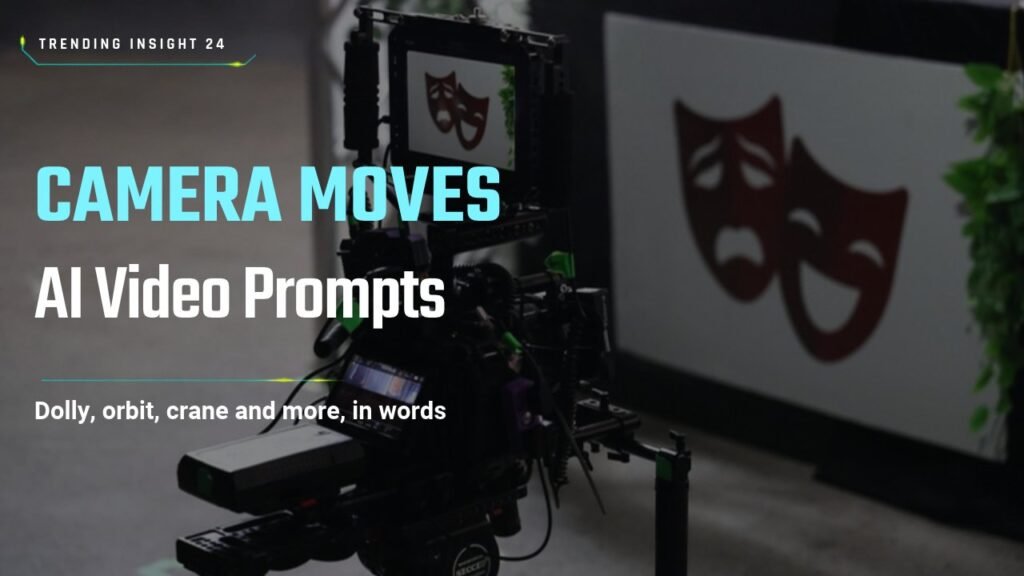
Camera movement prompts tell an AI video generator how the virtual camera should move: push in, pull back, pan, orbit or stay still. The right camera move makes a clip feel cinematic. The wrong one, or too many at once, is the most common reason AI videos warp and drift.
Table of Contents
This guide explains every major camera movement in plain language, gives you a copy-ready prompt line for each, and shows which moves are safest for beginners.
Why camera movement matters in AI video
An AI video model has to invent every new frame. When the camera moves, it must also invent parts of the scene it hasn’t “seen” yet, like the side of a face or what’s behind a building. Big or combined moves increase the chance of distortion. Small, single, clearly described moves give the most stable results.
Camera movement prompts cheat sheet
| Move | What it does | Copy this line | Risk |
|---|---|---|---|
| Static | Camera doesn’t move at all | Fixed static camera, no zoom, no pan, no camera shake. | Lowest |
| Push in (dolly in) | Camera moves toward the subject | Slow, smooth dolly-in toward the subject. | Low |
| Pull back (dolly out) | Camera moves away, revealing more | Slow dolly-out revealing the wider scene. | Medium |
| Pan | Camera turns left or right on the spot | Slow pan from left to right across the scene. | Medium |
| Tilt | Camera turns up or down on the spot | Slow tilt up from the ground to the sky. | Medium |
| Truck | Camera slides sideways | Camera tracks sideways alongside the subject. | Medium |
| Orbit | Camera circles around the subject | Slow 90-degree orbit around the subject. | High |
| Crane / pedestal | Camera rises or lowers | Camera slowly rises above the scene. | Medium |
| Handheld | Natural slight shake | Subtle handheld camera movement, documentary feel. | Medium |
| FPV / drone | Fast flying movement | Smooth FPV drone flight forward through the scene. | High |
When to use each camera move
Static camera
Perfect for looping wallpapers, calm scenes and anything where you want the image to stay exactly as generated. Let the environment move instead: wind, water, clouds, lights. Our Ghibli beach video uses a fully static camera.
Push in
Builds emotion and focus. Great for a reveal, a character moment or ending on a face. Keep it slow.
Pull back
Creates scale and endings: start close, then reveal the landscape or city around the subject.
Pan and tilt
Useful for wide scenes such as skylines, mountains or a room. Pans across people are riskier because faces turn.
Orbit
Looks impressive for products and characters but is the move most likely to distort faces and hands. Use short orbits and simple subjects.
FPV / drone
Energetic and great for travel and action content, but expect several attempts.
How to write a camera movement prompt
- Use one move per clip. “Dolly in and pan left” doubles the risk.
- Add a speed: slow, smooth, gentle. Fast moves break more often.
- Name the target: “toward her face”, “across the skyline”.
- Say what stays still: “the subject remains seated in the same position”.
- Block other moves in the negative prompt: “camera shake, sudden zoom, cuts”.
Full example
A lone astronaut standing on a red desert planet at sunset, matching the original image. Slow, smooth dolly-in toward the astronaut's helmet. Dust drifts gently across the ground, the sky slowly darkens. The astronaut remains still.
Negative prompt: camera shake, sudden zoom, cuts, changing helmet, extra limbs, flickering.
For the full motion-prompt formula, see our image to video AI prompt tutorial.
Camera movement prompts: quick recap
Start every clip with the simplest of these camera movement prompts, usually a static shot or a slow push in, and only add motion when the scene needs it. Fast orbits and FPV moves look exciting but cause the most distortion. Write camera movement prompts as one short line at the end of your video prompt, and use only one move per clip. To see the real-world equipment these terms come from, read about the camera dolly on Wikipedia. Good camera movement prompts make a clip feel planned rather than random.
FAQ
What is the safest camera movement for AI video?
A fixed static camera, followed by a slow push-in. Both keep most of the original frame visible.
What is the difference between a dolly and a zoom?
A dolly moves the camera itself closer, so perspective changes. A zoom changes the lens and makes things look closer without moving. AI tools often treat “zoom in” and “dolly in” similarly, but “dolly” usually gives a more cinematic look.
Why does my AI video camera move when I asked it not to?
Spell it out fully: “fixed static camera, no zoom, no pan, no dolly, no orbit, no camera shake”, and add camera movement to the negative prompt.